

Connecting to Wifi
Click here to view a video tutorial on connecting to Wifi
To begin, Click on the H icon. The icon may also appear as the two red icons below:
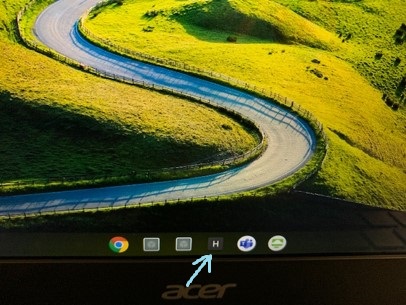


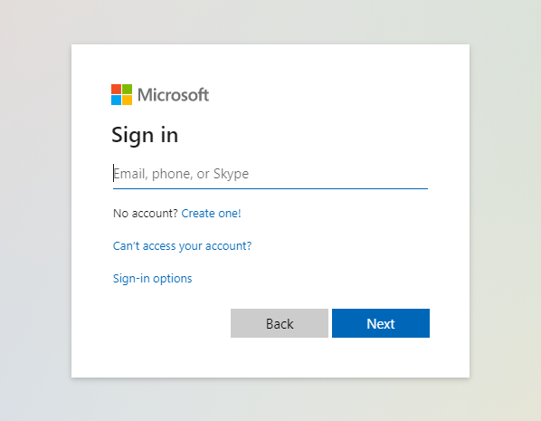
After you click the icon you will be prompted to sign in with your agency credentials. The website will prompt you for your Email, Password, and Passcode.
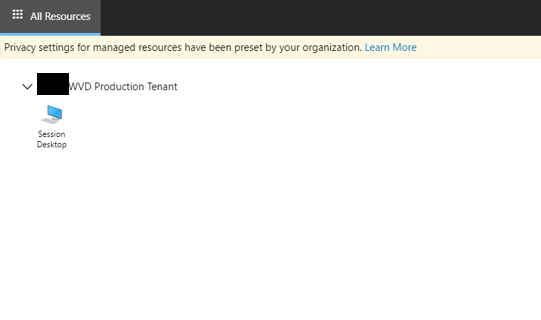
You will be prompted with a Resources screen after signing in. You must select Session Desktop to open the desktop.
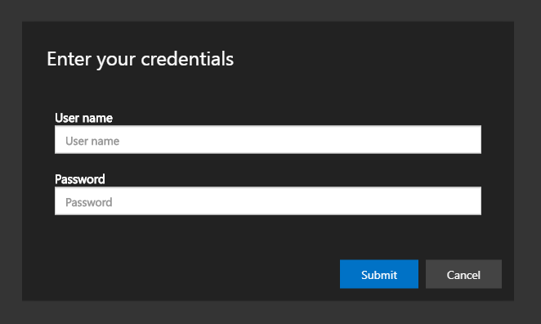
After selecting Session Desktop you will be prompted to enter your Network ID and Password.
Click here to view a video tutorial on connecting to Wifi

Click here to view a video tutorial on connecting an External Monitor

Click here for instructions on opening a virtual desktop.